
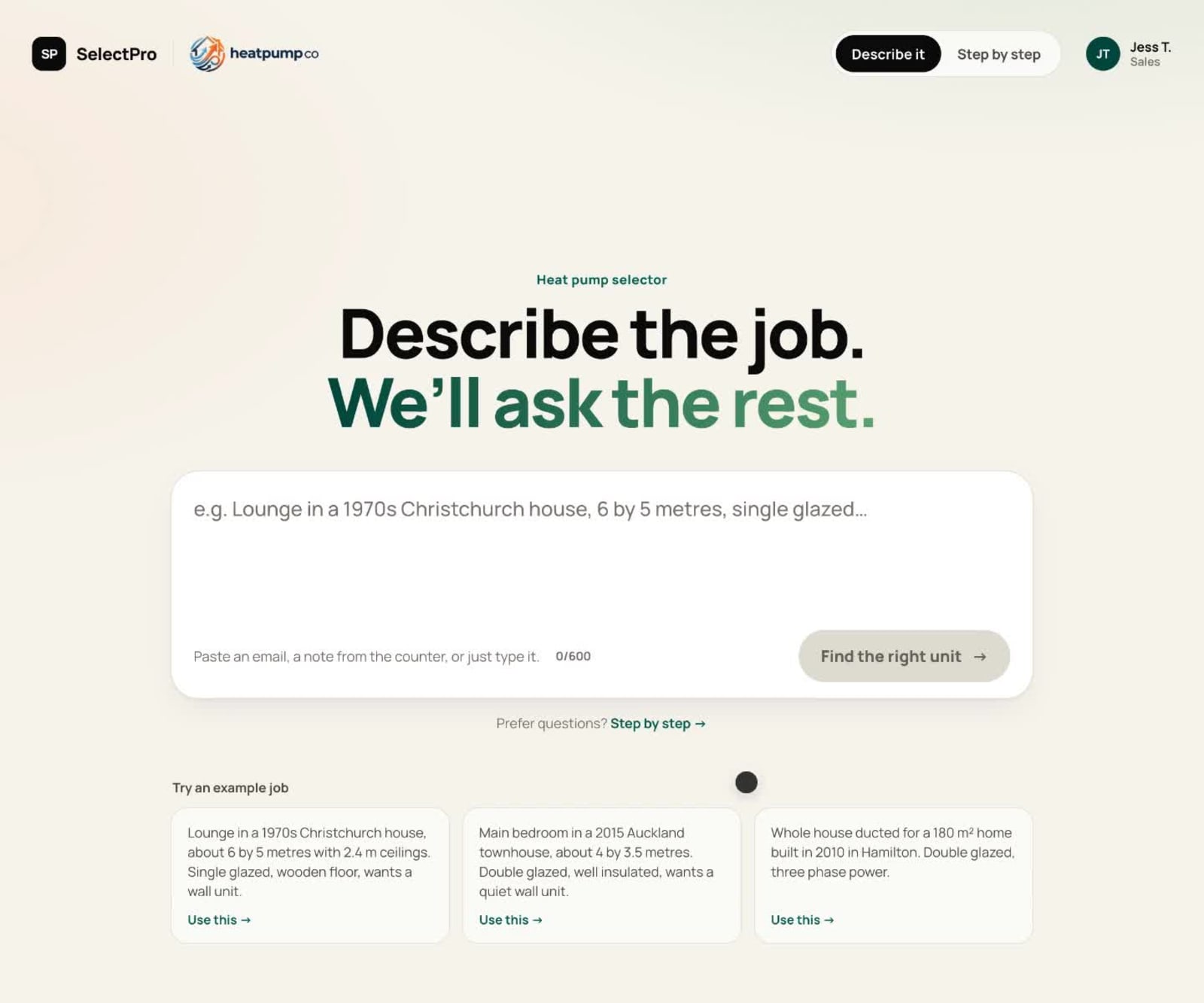
Describe the job. We'll ask the rest.
Most product requests arrive as a sentence, not a spec sheet. Now you can paste the email in. SelectPro reads it, asks only what's missing, and your expert's rules pick the product, the same way every time.
Most product requests don't arrive as a spec sheet. They arrive as a sentence. "Lounge in a 1970s Christchurch house, about 6 by 5 metres, single glazed, wants a wall unit." An email, a note from the counter, a message from a builder on site.
Somebody then has to turn that sentence into a product. They read it, work out what it tells them, work out what it doesn't, ring the customer for the rest, and size the job. In most technical businesses that somebody is the one person who knows the range best, and the request waits until they're free.
That's the job we've just made shorter.
Paste the email in
Every selector built in SelectPro now has a second way to run. Instead of stepping through the questions, your team can paste the request exactly as the customer wrote it and press go.
SelectPro reads it and answers your selector's questions from the words. "6 by 5 metres" becomes the room size. "1970s" becomes the insulation era. "Christchurch" becomes the climate zone. "Wall unit" becomes the style. Each answer shows the exact words it came from, so your team can see where it got every one.
If the note didn't say something that matters, the selector asks for it, in the same plain questions it would have asked anyway. If it had to assume something, it says so, and your team can change it. Then it does what it always did: checks the whole range and comes back with the product, the sizing, and why that one.
AI reads the words. That's all it does.
This is the part that matters for a technical product, so it's worth being precise about.
The AI reads the description and turns it into answers. It never sizes a room, never guesses a part number, and never picks a product. The recommendation comes from the decision tree your expert built: the questions, the rules, the formulas and the exceptions, checked against your own product data. The same answers go down the same path and land on the same product, whoever typed them and however many times you run it.
That's also why it tells you what it assumed. A selector your team can't trust is a selector they stop using. If a detail was read from the customer's words, you can see the words. If it was assumed, you can see that too, and fix it in a second.
And if the AI isn't available, the selector still works. Your team steps through the questions as before. The rules don't depend on it.
How it gets switched on
Nobody starts with the AI. For every customer, we build the decision tree first and your expert tests it against real jobs until it gives the answer they would give. Only when everyone is confident in the answers does Describe go on top. It reads into a selector that's already been checked, which is the only order that makes sense for products where a wrong pick comes back.
What changes for your team
- The request doesn't wait. Whoever opens the email can run it, not just the person who knows the range.
- New starters get the expert's answer. They paste what the customer said and get what your best person would have recommended, with the reasons. That's most of the first year of learning the range, available on day one.
- Your expert gets their inbox back. Dave stops translating every note and goes back to the jobs that need him.
- Every answer comes with its working. The spec, the sizing check, what was read, what was asked, what was assumed. Ready to copy into a quote.
Describe works on any selector built in SelectPro, for your sales team, your counter, your distributors or your website. Prefer questions? Step by step is one tap away on every selector.
The quickest way to judge it is with your own requests. Send us one product range and three real customer emails and we'll show you the answer to each one.